R11
A pin you drop, the whole team sees
Notes and pins sync through Rust+ team chat, so a marker you place lands for everyone. Teammates see the coordinates in chat, with nothing else to install.
- Synced through team chat, not a separate app
- R11 pushes a pin or a note into Rust+ team chat, so every teammate sees the coordinates without installing anything or making an account.
- Notes survive a reconnect
- Drop a note, disconnect, come back, and it is still there. A dropped connection does not wipe what you marked.
- Categories that say what the pin means
- Label a pin as a raid target, a farm spot or an enemy sighting, so the map reads at a glance instead of a wall of identical markers.
- Sits alongside the live map
- Notes run in the same view as the R3 live map, so events, monuments and team positions stay visible while you drop and read pins.
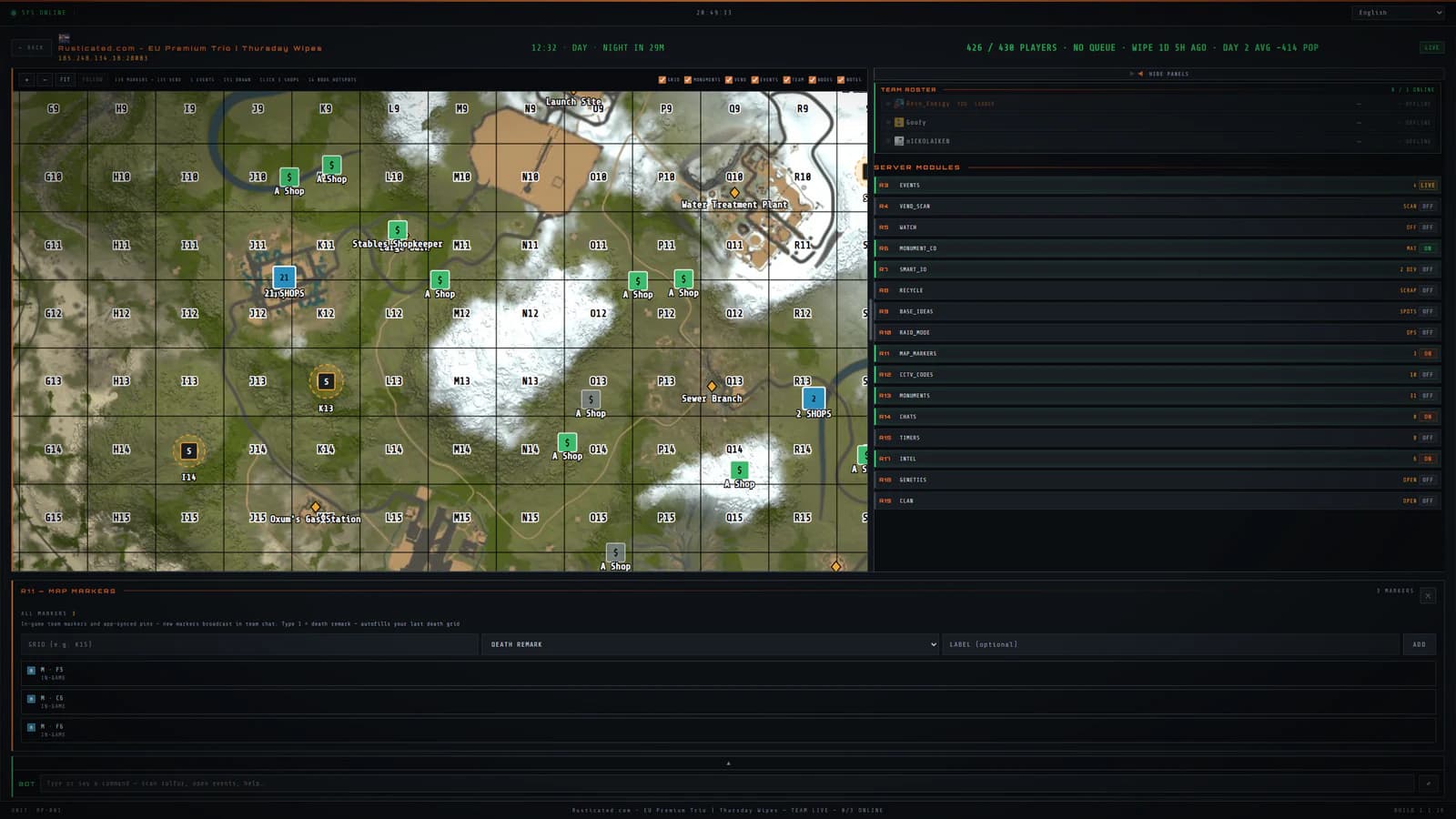
About Map notes
Do my teammates need RustPocket to see a note?
No. Notes sync through Rust+ team chat, so anyone on the team sees the coordinates in the game itself. Only the person running RustPocket needs the app.
Do notes disappear if the connection drops?
No. Notes are saved rather than broadcast once, so a dropped connection or a restart does not lose them.
It does not work alone
Map notes is one part of RustPocket. The related modules below show how the app was organised.
R3
The map, on a screen big enough to read
Monuments, teammates, vending machines, ore nodes, cargo and patrol heli on one desktop map. Live Rust+ data on Windows, with the phone left in your pocket.
R100
One person runs it. The whole team gets it
A bot that answers in Rust team chat: pop, time, events, scan and more. It speaks the answers out loud too. Nothing to self-host, and your team pays nothing.
RustPocket is paused. New subscriptions and downloads are closed.